
Installation - Magento
On this page System Requirements
To get started with DockRay in Magento, create a project in DockRay, copy its token, and generate a private API key. The token identifies the project, while the private key authenticates your Magento installation.
Don't have a project yet? Read the guide Creating an Account and Your First Project, then return to this documentation to install the integration.
System Requirements
The DockRay integration supports stores running Magento Open Source or Adobe Commerce 2.4.4 or later, as well as Mage-OS. PHP 8.1 or later is required.
The package is distributed via Composer under the name dockcodes/dock-ray-magento. Before installation, check the relevant distribution channel for the latest available release.
Installing DockRay in Magento via Composer
Connect to your store's server and navigate to the Magento root directory. Then run the following commands to install the package, enable the module, and update the application configuration.
composer require dockcodes/dock-ray-magento
bin/magento module:enable DockCodes_DockRay
bin/magento setup:upgrade

# In production mode, also run:


bin/magento setup:di:compile
bin/magento setup:static-content:deploy
Once the installation is complete, the DockRay module will be available in the Magento admin panel. In production environments, run these commands according to your store's deployment procedure.
Configuring the Project Token and Private Key
Connect your Magento installation to the DockRay project you created. In the admin panel, navigate to Stores → Configuration → DockRay → Monitoring and enter your project token and private key.
If you prefer not to store the private key in the database, you can save both credentials in the environment configuration using the following commands:
bin/magento config:set --lock-env dockray/connection/token YOUR_PROJECT_TOKEN
bin/magento config:set --lock-env dockray/connection/private_key YOUR_PRIVATE_KEY
Replace YOUR_PROJECT_TOKEN with your project token and YOUR_PRIVATE_KEY with your generated API key. When values are saved using the --lock-env option, the corresponding fields are locked in the admin panel and use the values stored in the environment configuration.
Verifying the Integration in the Magento Admin Panel
After saving your credentials, open DockRay → Overview. This screen displays the connection status, available module features, and information about the latest vulnerability report. You can also send a test event to verify that the integration is working correctly.
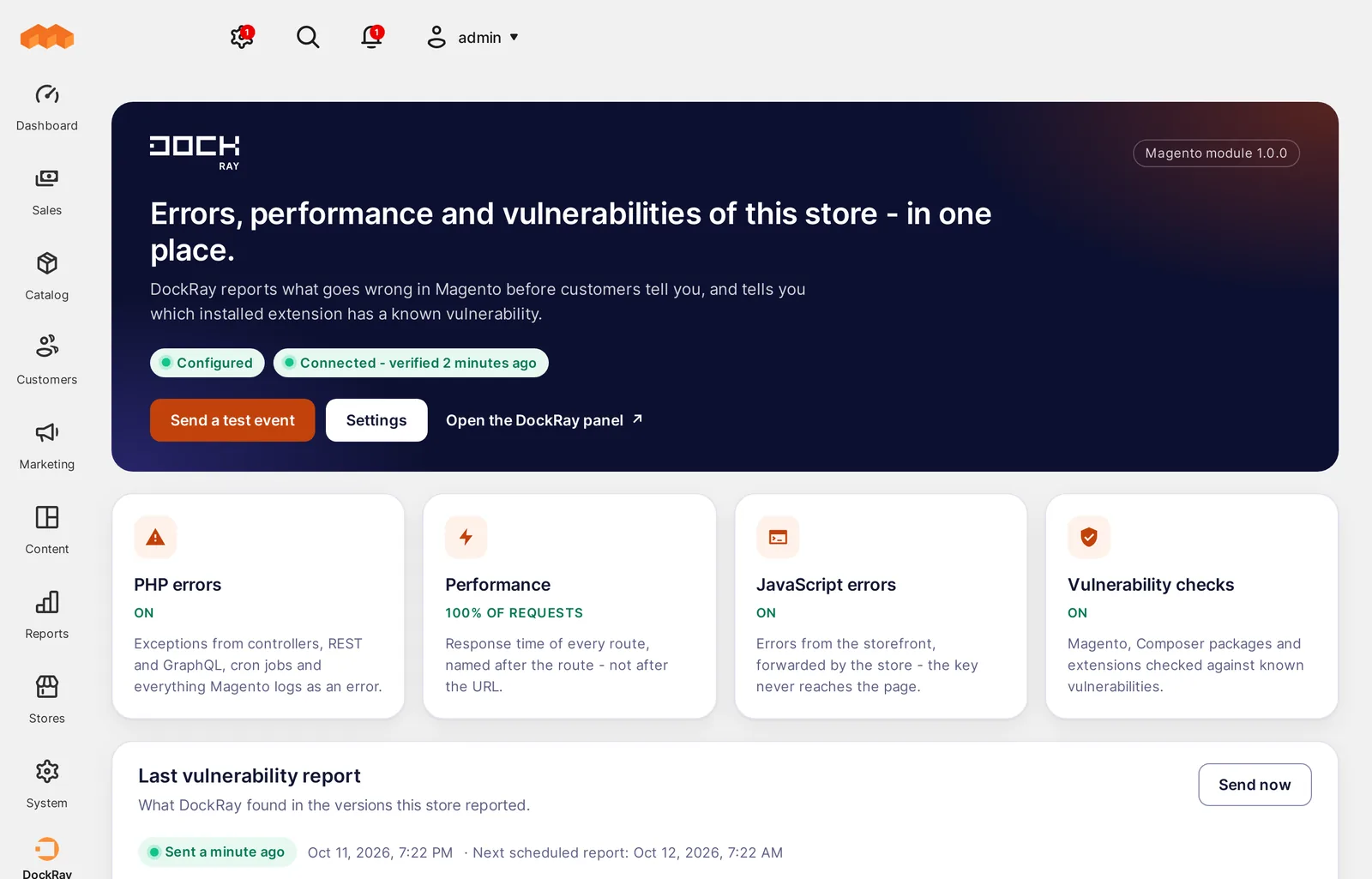
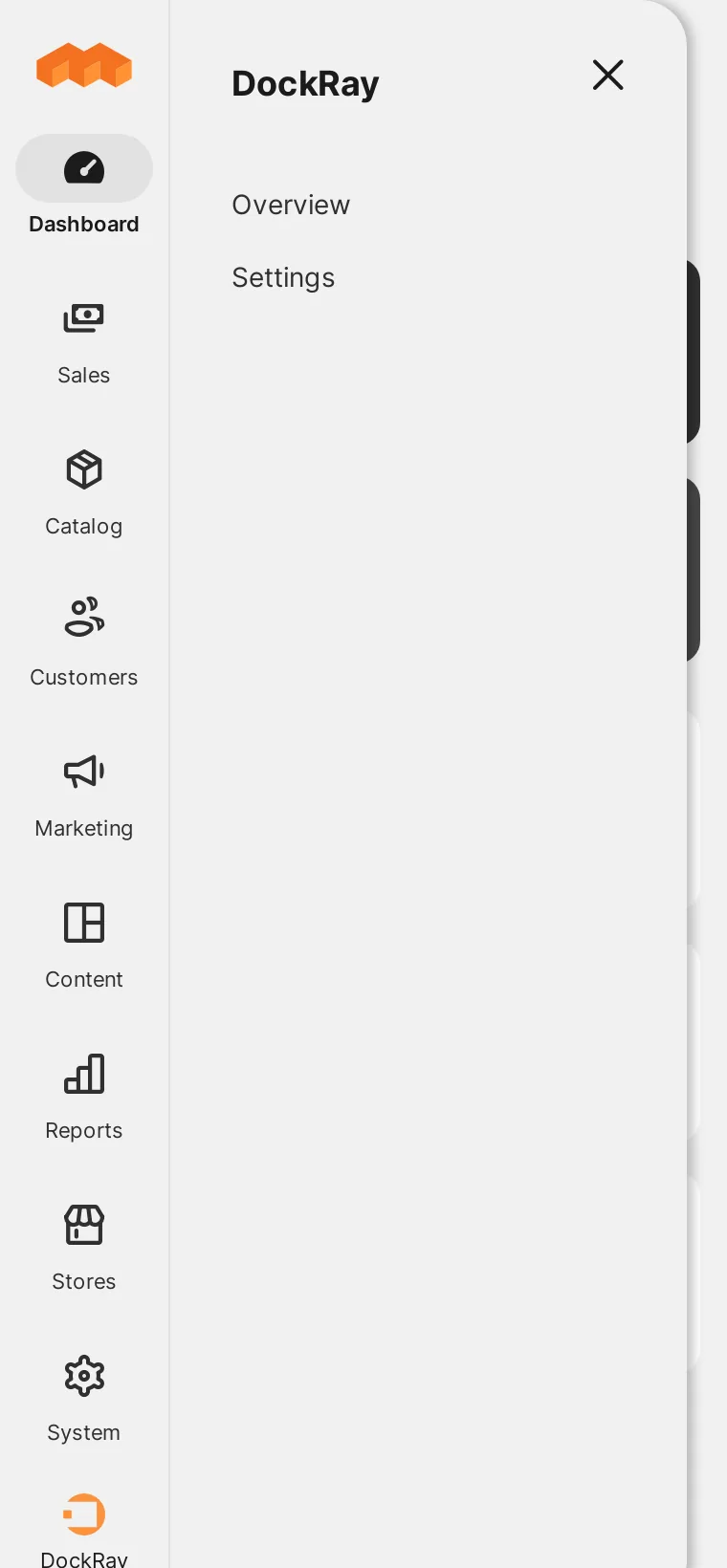
To manage the integration settings, select DockRay → Settings from the Magento admin menu. Overview lets you check the integration status, while Settings provides access to the configuration options.
Post-Installation Verification
Before enabling monitoring, make sure the token and private key belong to the same DockRay project. Also verify that the private key has not been added to your repository or exposed in publicly accessible application code.
Next, configure the environment, select the reporting scope, and send a test event. Once you have confirmed that the integration is working correctly, you can enable reporting for production traffic.
What's Next?
After installation, read the guide to monitoring application vulnerabilities in DockRay to configure known vulnerability checks and review reports for your Magento components.